Actor status badge
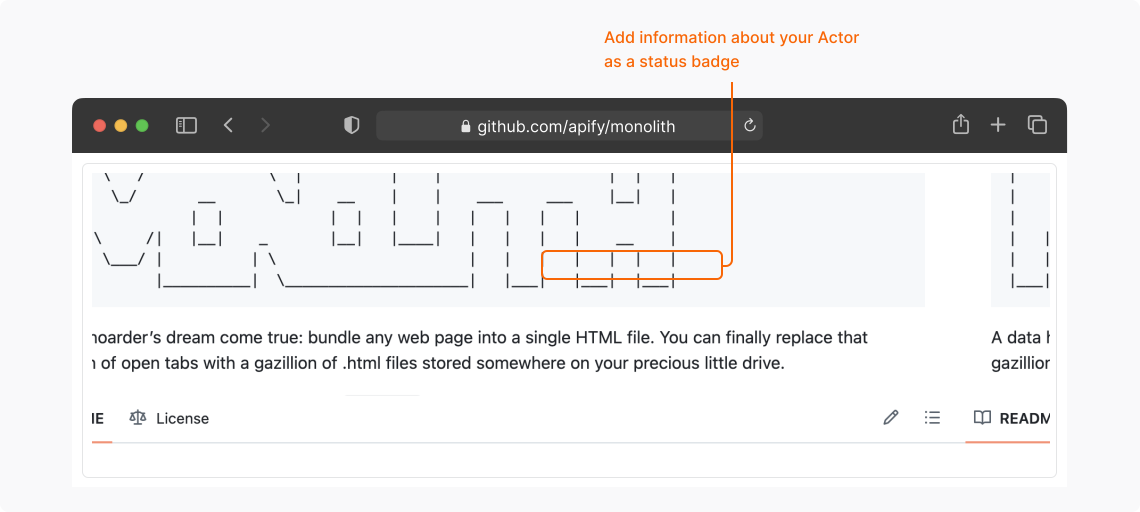
You can embed the Actor status badge in your README or documentation to show users the current status and usage information of your Actor on the Apify platform.
Supported statuses
The badge displays the status of your Actor in the Apify platform based on the result of the automated testing process. The following statuses are supported:
- Actor OK

- Actor under maintenance

- Actor deprecated

- Actor not found

Embed the status badge
The status badge is a dynamic SVG image loaded from the Apify platform and served from the following URL template:
https://apify.com/actor-badge?actor=<USERNAME>/<ACTOR>
Where:
<USERNAME>is your Apify username.<ACTOR>is the name of your Actor.
To embed the badge in your HTML documentation, use the badge URL as an image wrapped in a link:
- HTML
- Markdown
<a href="https://apify.com/apify/website-content-crawler">
  <img src="https://apify.com/actor-badge?actor=apify/website-content-crawler">
</a>
[](https://apify.com/apify/website-content-crawler)